
Charting My Course: A Look at My Personal Portable Pilot Unit (PPU) Setup
Introduction: From Leather Bags to Lightning-Fast Apps
Once upon a time, captains literally carried their voyages in a leather bag: printed nautical charts, tide tables, and logbooks, often worn from years of handling. The sight of a captain unfurling a well-creased paper chart in the chart room was a rite of passage. But the digital era has not only changed the tools — it’s changed the mindset. Increasingly, many captains and pilots are now carrying their own digital navigation kits, treating them as a personal insurance policy against unforeseen mishaps.
That’s where the Portable Pilot Unit (PPU) comes in.
For some of us, it starts with something simple: an iPad, a solid nav app like SeaIQ Pilot, and official ENCs. But what might look like a basic tablet to the untrained eye is actually a powerful situational awareness tool — one that can literally steer vessels away from disaster.
In this post, I’ll walk you through my own PPU setup, the broader shift in the industry, and why more navigators are taking charting into their own hands.
My Setup: A Simple, Reliable, and Affordable PPU
My system isn’t fancy. It’s not a Class A berthing system with multiple antennas and sub-meter RTK positioning. It’s what AMPI calls a Class C Ship Dependent Navigation System: not designed for high-precision berthing but perfectly capable of delivering valuable nav data for general pilotage.
Here’s the breakdown:
1. The Tablet: An Older iPad
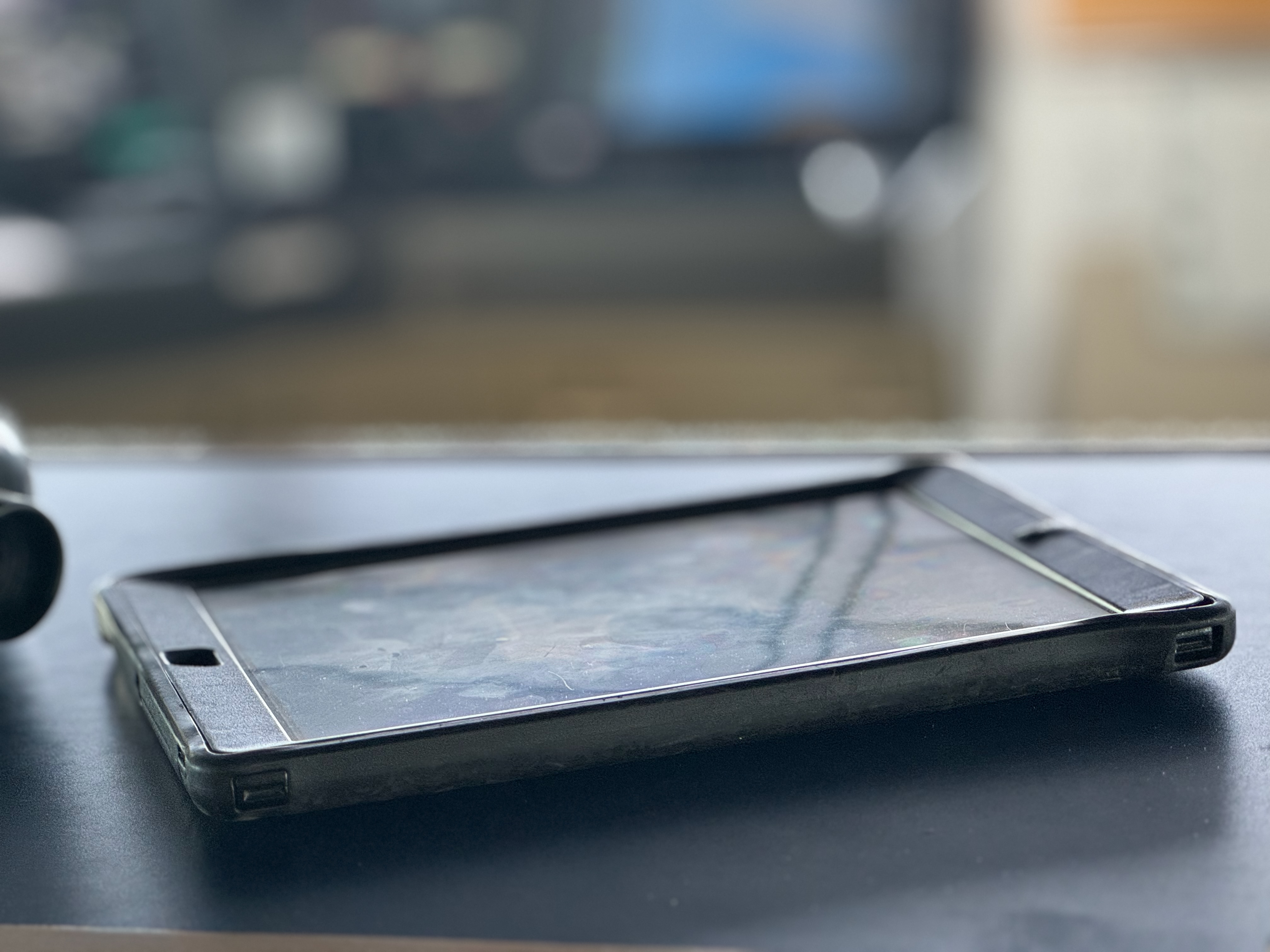
I use an iPad — not the latest model, just a reliable one with decent battery life. It’s rugged enough to handle long pilotage legs, and lightweight enough to slip into a backpack. The screen is bright and readable on the bridge wing, and it supports offline charts.
2. The App: SeaIQ Pilot
SEAiq is one of the most popular navigation apps among pilots. I’ve upgraded to the Pilot version (about $400 and a one-time cost), which unlocks professional features including AIS target display, predicted paths, docking overlays, and tide integration.
What I love about SEAiq:
- Supports official ENC charts.
- Intuitive and responsive interface.
- AIS data integration over WiFi.
- Predictive path visualization.
SEAiq meets the software spec outlined in the AMPI and IMPA guidelines: route planning, playback, alarms, and customizable displays. It’s not proprietary hardware-specific, meaning it works with a variety of data sources.
3. The Interface: KSNTEK Pilot Plug WiFi Sender
This little device, a KSN11-W, plugs into the pilot plug on board the vessel and transmits AIS data (including heading, position, rate of turn, speed, etc.) over WiFi directly to my iPad. The setup is seamless and wireless — no tangled cables running across the bridge.
It effectively lets my iPad act as a “window” into the ship’s navigation systems. When it’s paired with SEAiq, I get real-time information to build a reliable situational picture.

4. The Charts: NOAA + Chartworld
For U.S. domestic waters, I use NOAA charts. They’re official, regularly updated, and — best of all — free. For international waters, I purchase ENCs through Chartworld GmbH, a trusted global distributor.
By using official charts (S-57/S-63 format), I meet the standards defined by SOLAS, the IHO, and recognized pilotage authorities. SeaIQ supports these formats natively, ensuring chart integrity and secure updates.
What It Offers: Enhanced Situational Awareness
With my PPU in hand, I don’t just track my own vessel. I see:
- Surrounding AIS targets.
- Up-to-date charts with soundings.
- Predicted paths and cross-track error.
- Live speed vectors (including drift).
- Route plans, safety contours, and danger zones.
It’s not just a backup — it’s an augmentation. As IMPA puts it: “There is no substitute for a qualified pilot on the bridge,” but there’s also no reason that pilot shouldn’t have the best tools available.
Where It Fits in the PPU Spectrum
According to the AMPI Code of Good Practice (2020), there are three broad classes of PPU:
Class C: Dependent on the ship’s AIS output
Class A: Fully independent systems with GNSS antennas, heading sensors, and motion predictors. Used for berthing and precise navigation.
Class B: Semi-independent systems that refine ship data with additional sensors (like rate gyros).
The Rationale: Why Bring Your Own Charts?
You might ask: “Isn’t the ship’s ECDIS system enough?” Technically, yes. Legally, definitely. But practically? Not always.
Mariners know that things go wrong:
– Shipboard ECDIS can crash.
– ENC updates might be missed.
– AIS targets can be misconfigured.
– Bridge teams vary in experience and training.
Having your own independent situational awareness system provides a sanity check. It’s a private layer of confidence, much like a diver who brings their own gear to a shared dive boat.
And let’s be honest — in an era of liability and performance metrics, peace of mind is worth its weight in gold.
PPUs on the Bridge Wing: Confidence Where It Counts
Where the PPU really shines is outside — literally. During docking or undocking, pilots and captains often find themselves out on the bridge wing, relying on radios, visual bearings, and voice coordination with tugs and line handlers. In that moment, you’re not standing in front of an ECDIS screen or radar display. You’re exposed, possibly fighting glare, wind, or low visibility. And that’s when a tablet running SeaIQ Pilot becomes invaluable.
With a PPU in hand, you get a real-time, dynamic ship predictor, overlaid on detailed official ENCs, right there on the bridge wing. You can see heading, course over ground (COG), rate of turn (ROT), and your exact track relative to the pier, the fairway, and any no-go areas. It’s not about replacing the radar — it’s about augmenting your view, giving you another source of truth.
Captain as Coach: Oversight with Independence
Another underappreciated benefit of a PPU is the leadership space it creates. Instead of crowding around a radar or ECDIS monitor with the deck officer and pilot, the captain can stand back — not removed, but elevated.
With a tablet in hand, the captain has access to the full navigation picture from anywhere on the bridge, bridge wing, or even just aft of the console. This frees up the pilot and watch officer to focus on active conning and radar tuning without the added pressure of constant captain oversight right on top of them.
It’s a subtle but powerful shift in bridge resource management: the captain transitions from a direct operator to a coach — present, aware, and capable of stepping in instantly, but not interfering with the work of the team. All while still monitoring heading, depth contours, AIS targets, and speed vectors independently.

The Data Dilemma: Pilot Plug Protocols
Not all bridge setups are created equal. Some pilot organizations have strict policies around pilot plug usage, requiring that the plug be dedicated to their equipment with no signal splitters or third-party access. The rationale is clear: data integrity. If something goes wrong and AIS data is corrupted, split, or delayed, it creates risk — and possibly liability.
That’s where a standalone system like the KSNTEC KSN55-C PRO GNSS/AIS receiver comes into play. While my smaller and less expensive unit plugs directly into the pilot plug and transmits AIS, heading, COG, and SOG wirelessly to my iPad via WiFi, this unit is standalone and provides everything except heading information. But, you also get independent AIS target data, effectively turning your iPad into a mini-ECDIS.
For those who want even more independence or find themselves in ports with restricted pilot plug access, another option is to use a one of the installed GPS receivers that outputs NMEA 0183 directly via an additional pilot plug. Devices like these can provide the position, COG and SOG data, although some units require a bit of configuration to work smoothly with apps like SEAiq.
More Than a Gadget: It’s a Culture Shift
Using a PPU isn’t just about gadgets — it’s a mentality. It’s about proactive navigation. It’s about acknowledging that even the best equipment and bridge teams can benefit from an independent cross-check. And it’s about being able to stand anywhere on the bridge — or bridge wing — and still carry the entire navigational picture in your hand.
Additional Reading and Links
IMPA – Guidelines on the Design and Use of Portable Pilot Units (2021)
AMPI – Code of good practice – Portable Pilot Units 2nd Edition (2020)
KSNTEK – Expert Marine Navigation